Your inbox has 340 unread invoices and your AP clerk just quit. Manual data entry is already eating hours your team does not have, and now you have to pick software that will either fix the backlog or make it worse.
This article walks through seven mistakes that sink invoice automation purchases, from ignoring WhatsApp-based workflows your field team already uses to overbuying for your actual volume. By the end, you will have concrete criteria and a clear number one pick to compare every other tool against.
What to Look For in Invoice Processing Automation Software
Selecting the right invoice processing automation software requires evaluating a complex set of features that directly impact AP efficiency, from OCR accuracy to ERP integration depth. The criteria span technical capabilities, financial controls, and operational fit, and each dimension carries its own trade-offs.
A structured evaluation matters because mistakes in this process are rarely cheap. A tool that captures invoices quickly but misreads line items creates rework downstream. A platform that handles standard supplier invoices well may collapse under exceptions, credits, or multi-entity tax rules.
Technical criteria include optical character recognition performance, intelligent document processing and machine learning models, data extraction quality, and API connectivity. Financial controls cover three-way matching, duplicate invoice detection, fraud prevention, and audit trail completeness. Operational fit covers approval workflow design, implementation time, change management, and scalability.
Teams that map these criteria against real invoice samples and existing ERP structures catch problems before signing. Teams that skip that step often discover gaps only after go-live, when reversing course is far more expensive.
7 Mistakes to Avoid When Choosing Invoice Processing Automation Software
Even experienced finance teams fall into traps like prioritizing OCR speed over accuracy or underestimating the effort required to map approval workflows to existing ERP structures. The seven mistakes below appear repeatedly in failed or stalled accounts payable automation projects.
- Ignoring OCR accuracy benchmarks. Vendors often quote accuracy on clean, printed documents. Real supplier invoices arrive scanned, skewed, stamped, or handwritten. Test OCR accuracy against your own invoices, and treat anything below roughly 95% on supplier invoices as a warning sign. Low accuracy pushes staff back into manual correction, erasing the expected time savings. Ask how the system handles poor scans and whether machine learning improves extraction over time.
- Overlooking three-way matching capabilities. Matching invoices to purchase orders and receiving documents is where automation delivers much of its control value. Some tools handle only two-way matching, which leaves quantity and receipt discrepancies undetected. Confirm the software supports configurable tolerances, partial receipts, and service entries, not just simple PO-to-invoice comparisons.
- Failing to test exception handling. Standard invoices are easy. The real test is a missing PO, a price mismatch, or a partial delivery. Request a live demonstration using your exception scenarios. If exception handling requires manual re-entry outside the system, the AP workflow breaks precisely when accuracy matters most.
- Neglecting duplicate invoice detection and fraud prevention. Duplicate payments are a persistent source of leakage, and some are deliberate. The platform should flag near-identical invoice numbers, amounts, and supplier details, and it should maintain a searchable history. Weak duplicate invoice detection undermines the entire fraud prevention case for automation.
- Choosing software without native ERP integration. A tool that exports CSV files is not integrated. Look for native connectors or documented API connectivity to your accounting software. Weak ERP integration forces staff to reconcile systems manually and creates version conflicts in vendor records and payment status.
- Underestimating implementation time and change management. Configuration, data migration, and approver training take longer than most teams expect. Budget time for mapping approval workflow rules to your organizational structure, and plan for resistance from staff whose daily routines will change. A rushed rollout produces workarounds that quietly undo the automation.
- Disregarding scalability and compliance needs. Invoice volume grows, entities multiply, and tax compliance rules shift. Confirm the platform supports cloud-based deployment or on-premise options as needed, retains a complete audit trail, and meets your regulatory requirements across jurisdictions. Ask how pricing and performance hold up when volume doubles.
Each mistake shares a common root: evaluating a demo instead of your own process. Testing real invoices, real exceptions, and real integration paths turns a feature checklist into a decision you can defend.
1. Tasks.Bot - Best Overall
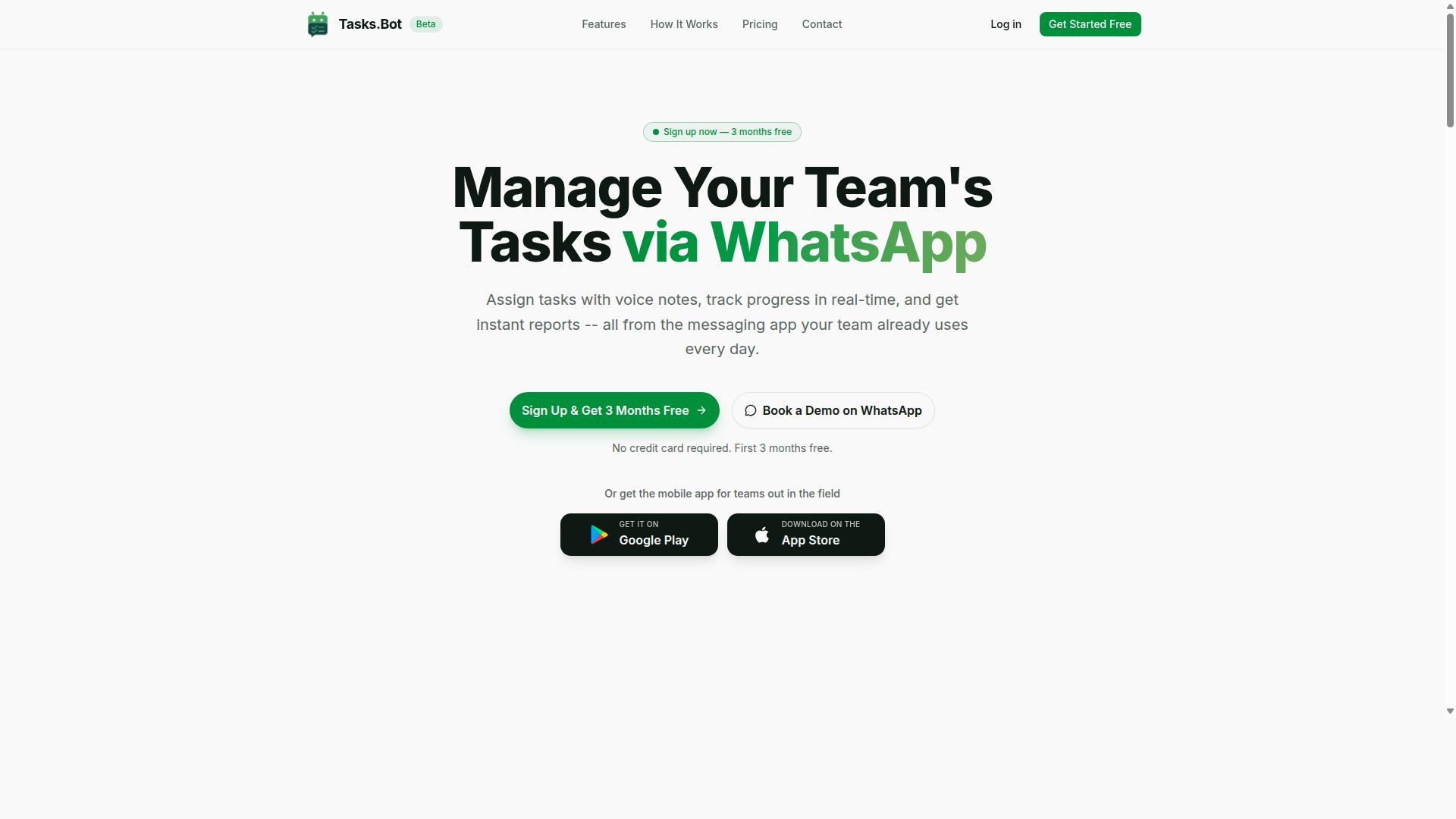
Tasks.Bot earns the top spot for its unique ability to manage invoice-related tasks directly within WhatsApp, eliminating adoption barriers for teams already using the messaging app. Instead of asking accounts payable staff to learn a new dashboard, it turns the messaging tool they already check every day into an AP workflow hub.
That approach matters because many invoice processing automation software rollouts fail for human reasons, not technical ones. Staff resist yet another login, approvals stall, and the promised efficiency never arrives. Tasks.Bot sidesteps much of that friction by meeting teams where they already work.
Tasks.Bot is a task management platform that operates via WhatsApp, allowing teams to assign tasks, track progress, and receive reports inside the messaging app. It also offers a mobile app for field teams, which helps when invoice-related approvals involve staff who are not sitting at a desk.
The service is currently in beta and offers a free trial period, so teams can evaluate fit before committing. It is available globally, which suits finance groups spread across regions and time zones.
To be clear about where it fits: Tasks.Bot is not a dedicated optical character recognition engine or a three-way matching tool. It excels at workflow coordination, the layer where invoice data turns into assigned, tracked, and reportable work. The next section explains how that works in practice.
How Tasks.Bot Handles Invoice-Related Workflows via WhatsApp
Tasks.Bot leverages WhatsApp's ubiquity to let team members create invoice-related tasks via voice notes or text, which are then automatically assigned, tracked, and reported on. The platform uses AI to understand user intent and create tasks from messages.
The practical features for an AP team include:
- Voice note task creation for capturing invoice data points without typing
- Automatic task assignment to accounts payable staff
- Smart deadline reminders that keep approvals moving
- Instant reports that support an audit trail
- Approvals and automations built into the task flow
- Native WhatsApp integration, plus Android and iOS apps with push notifications, voice capture, and a home screen widget
For teams weighing invoice processing automation software, this division of labor is worth understanding. A dedicated tool handles invoice capture, data extraction, and exception handling. Tasks.Bot handles the coordination around them: who owes what, by when, and where the status stands.
Pricing is straightforward. The Full Access plan costs ₹200 per member per month, or ₹1,200 per year per member, with global availability. Teams can also use the Book a Demo on WhatsApp option, and a refund policy applies. Combined with the beta free trial, that keeps the risk of trying it low.
One honest limitation: if your priority is OCR accuracy or automated duplicate invoice detection, you will still want a specialized engine. Tasks.Bot works best as the coordination layer that keeps people accountable once the data is in hand.
2. Reminderly.ai
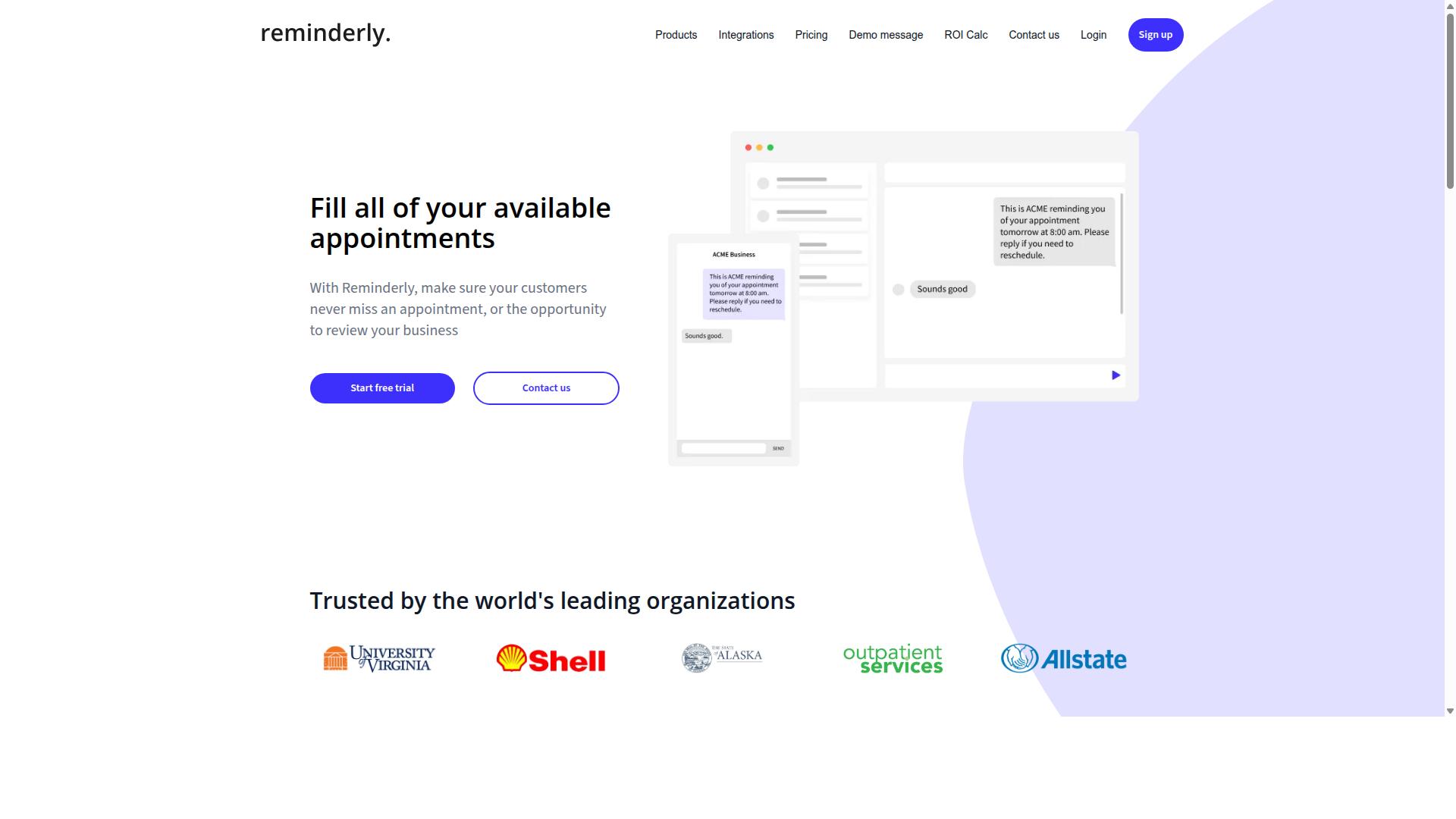
Reminderly.ai is a cloud-based invoice automation tool that emphasizes AI-driven data extraction and reminder-based approval workflows. It belongs to the growing category of invoice processing automation software built around intelligent document processing, where machine learning models read incoming supplier invoices instead of relying on rigid templates.
For teams evaluating accounts payable automation, this positions Reminderly.ai as a tool worth shortlisting alongside other AI-first platforms. The reminder-centric design suggests a focus on keeping approvals moving rather than letting invoices sit untouched in a queue.
That said, publicly available information about Reminderly.ai is limited. Buyers should treat any vendor description as a starting point, not a final answer.
Based on how tools in this category typically work, Reminderly.ai likely supports a familiar set of capabilities. These commonly include:
- Invoice capture from email inboxes, uploads, or shared folders
- Optical character recognition (OCR) and machine learning models that convert PDFs and scans into structured invoice data
- Data extraction for fields such as invoice number, vendor name, line items, tax, and totals
- Approval workflow routing with automated reminders to approvers
- Basic exception handling when extracted values fall outside expected ranges
These are common patterns across AP workflow tools, not confirmed features. Verify each one directly with the vendor before you commit.
Before adding Reminderly.ai to a shortlist, confirm the details that matter most to your AP process. Vendor-published feature lists change often, and marketing pages rarely tell the whole story.
- Ask for current OCR accuracy benchmarks on documents similar to yours, such as scanned supplier invoices or non-standard layouts.
- Confirm whether ERP integration and accounting software connectors exist for your system, and whether they use native connectors or API connectivity.
- Clarify deployment options, including whether cloud-based deployment is the only choice or an on-premise option is offered.
- Request implementation time estimates and any onboarding costs in writing.
- Ask how the tool handles duplicate invoice detection, audit trail logging, and compliance needs such as tax compliance and regulatory requirements.
Pricing for tools like this is usually quote-based, so request a written proposal rather than relying on a website figure. A short trial or sandbox session can also reveal how well the system copes with your real invoice volume.
None of this means Reminderly.ai is a poor choice. It simply means the burden of verification sits with you, and that is true for nearly every vendor in this crowded market.
3. TaskRio
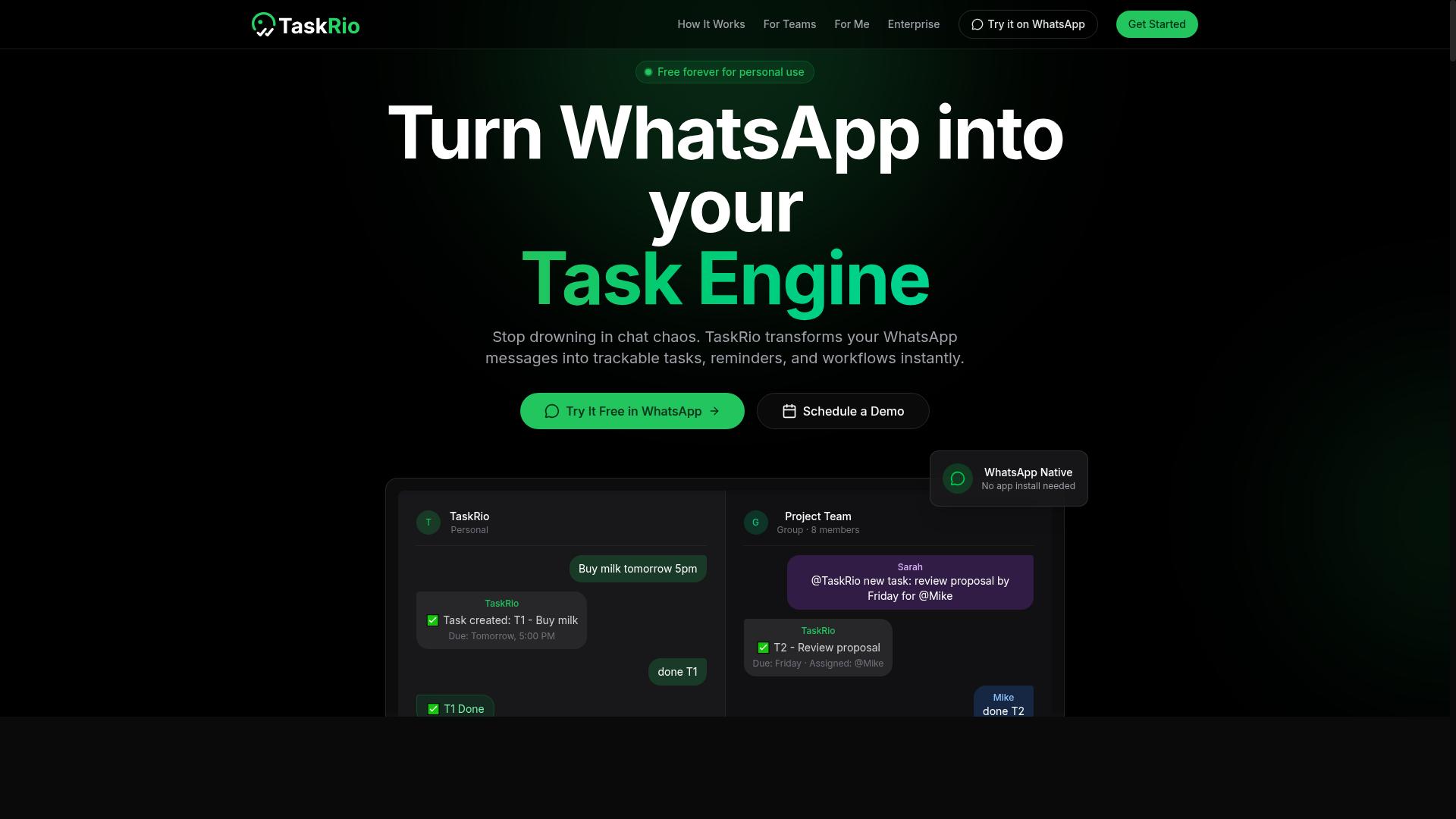
TaskRio positions itself as an intelligent document processing solution with machine learning capabilities for invoice data extraction and ERP integration. Like other tools in this category, it aims to reduce manual keying by reading supplier invoices automatically and pushing structured invoice data into downstream systems.
The appeal of a machine learning approach is that the system can improve its invoice capture over time as it encounters more document layouts. That matters for optical character recognition accuracy, since real-world supplier invoices arrive in dozens of formats, fonts, and scan qualities.
Publicly available information about TaskRio is limited, so treat any vendor claims as a starting point rather than proof. Buyers should confirm how the tool actually behaves in their own document mix before committing.
Before shortlisting TaskRio, verify these points directly with the vendor:
- Which accounting software and ERP systems it connects to, and whether those connectors are native or built through a third-party platform
- How data extraction handles poor-quality scans, multi-page invoices, and non-standard layouts
- Whether API connectivity is available for custom or legacy systems
- How exception handling works when a field cannot be read with confidence
- What audit trail and retention options exist for compliance reviews
A demo is the fastest way to test these questions. Bring a sample of your own supplier invoices, including the messy ones, and ask the vendor to process them live rather than showing a prepared dataset.
Integration compatibility deserves particular attention. A tool can extract invoice data perfectly and still fail if it cannot write that data into your ERP in the format your accounts payable automation workflow expects. Ask whether the connection supports two-way matching or three-way matching against purchase orders and receipts, or whether that logic lives elsewhere.
Deployment model also affects fit. Some buyers need cloud-based deployment for speed, while others have on-premise deployment requirements tied to data residency or internal policy. Confirm which option TaskRio supports and how that choice influences implementation time.
Finally, check how the system handles duplicate invoice detection and fraud prevention signals. These are common gaps in newer platforms, and they matter more as invoice volume grows. Scalability should be tested against your peak month, not your average one.
4. Karo.bot
Karo.bot is a conversational AI tool that can be adapted for invoice approval workflows and basic AP task automation. Its main draw is a chatbot-style interface, where approvers respond to prompts in a chat window rather than logging into a traditional accounts payable dashboard.
That approach can feel familiar and low-friction for teams already comfortable with messaging tools. It may also help with simple task routing, such as nudging a manager to approve a supplier invoice or flagging an item for follow-up.
Where Karo.bot tends to fall short is in the deeper technical layers of invoice processing automation software. The platform does not appear to offer advanced optical character recognition or three-way matching, which are central to high-volume AP operations.
- No deep invoice capture or OCR accuracy tuning
- Limited or no three-way matching against purchase orders and receipts
- Unclear support for duplicate invoice detection and audit trail requirements
- Conversational approvals may not scale to complex exception handling
Before choosing Karo.bot, map your actual AP workflow. If your team handles a small volume of invoices with straightforward approval chains, a chat-based tool might be enough. If you need intelligent document processing, ERP integration, or tax compliance controls, the gaps become harder to ignore.
Ask vendors directly about data extraction accuracy, exception handling, and API connectivity before committing. A conversational interface is convenient, but it should not come at the cost of the core capabilities that make AP automation reliable.
5. The Sarah AI
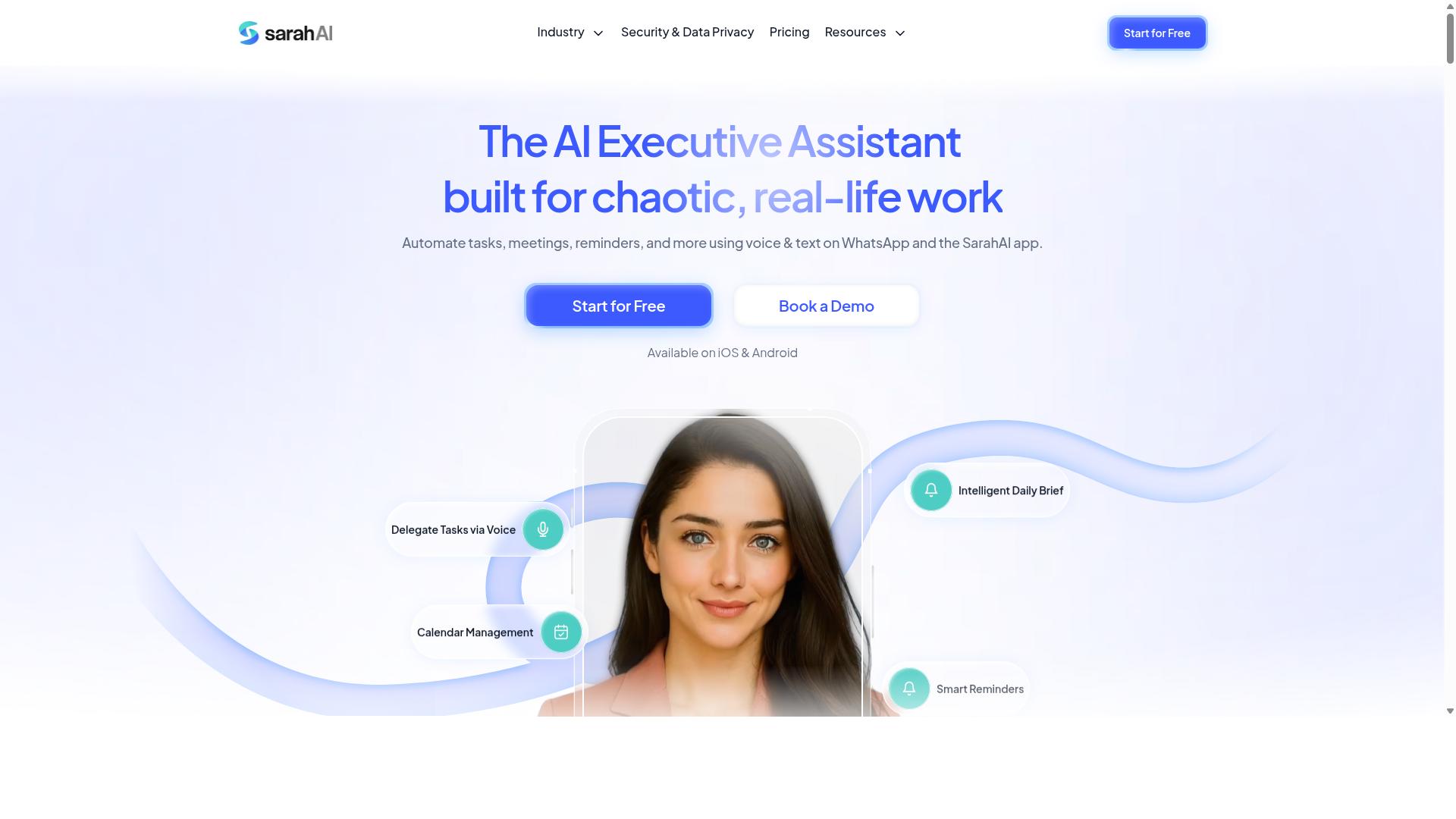
The Sarah AI is an emerging solution that combines OCR and AI to automate invoice data capture and streamline AP workflows. It appears positioned for finance teams that want to reduce manual keying of supplier invoices without rebuilding their entire accounts payable process.
Because public information about this product is limited, treat it as a name worth shortlisting and verifying rather than a confirmed fit. The points below describe the capabilities this type of invoice processing automation software typically targets, so you know what to ask about.
For an emerging vendor, the practical question is not whether the marketing sounds modern. It is whether the product handles your invoice formats, your approval workflow, and your audit needs once the demo ends.
- Invoice capture: OCR and machine learning models that read scanned and digital supplier invoices, then map fields into structured invoice data.
- Data extraction: Pulling header details, line items, tax amounts, and purchase order references so downstream matching can run.
- Workflow support: Routing extracted documents through approval steps and flagging items that need exception handling.
- Controls: Features such as duplicate invoice detection and an audit trail, which matter for compliance and fraud prevention.
Two areas deserve extra scrutiny. First, OCR accuracy on your own documents, not a polished sample set. Second, whether the audit trail records who changed what, and when, in a form your auditors and tax compliance reviewers will accept.
Also ask how the tool connects to your stack. ERP integration, accounting software connections, and API connectivity determine whether invoice data flows cleanly or gets re-keyed by hand. Cloud-based deployment is common in this category, though on-premise options still exist for stricter regulatory requirements.
Pricing, current capabilities, and implementation time for The Sarah AI are not verified here. Check the vendor's website and request a scoped quote before you compare it against other invoice processing automation software on your list.
6. Zoye AI
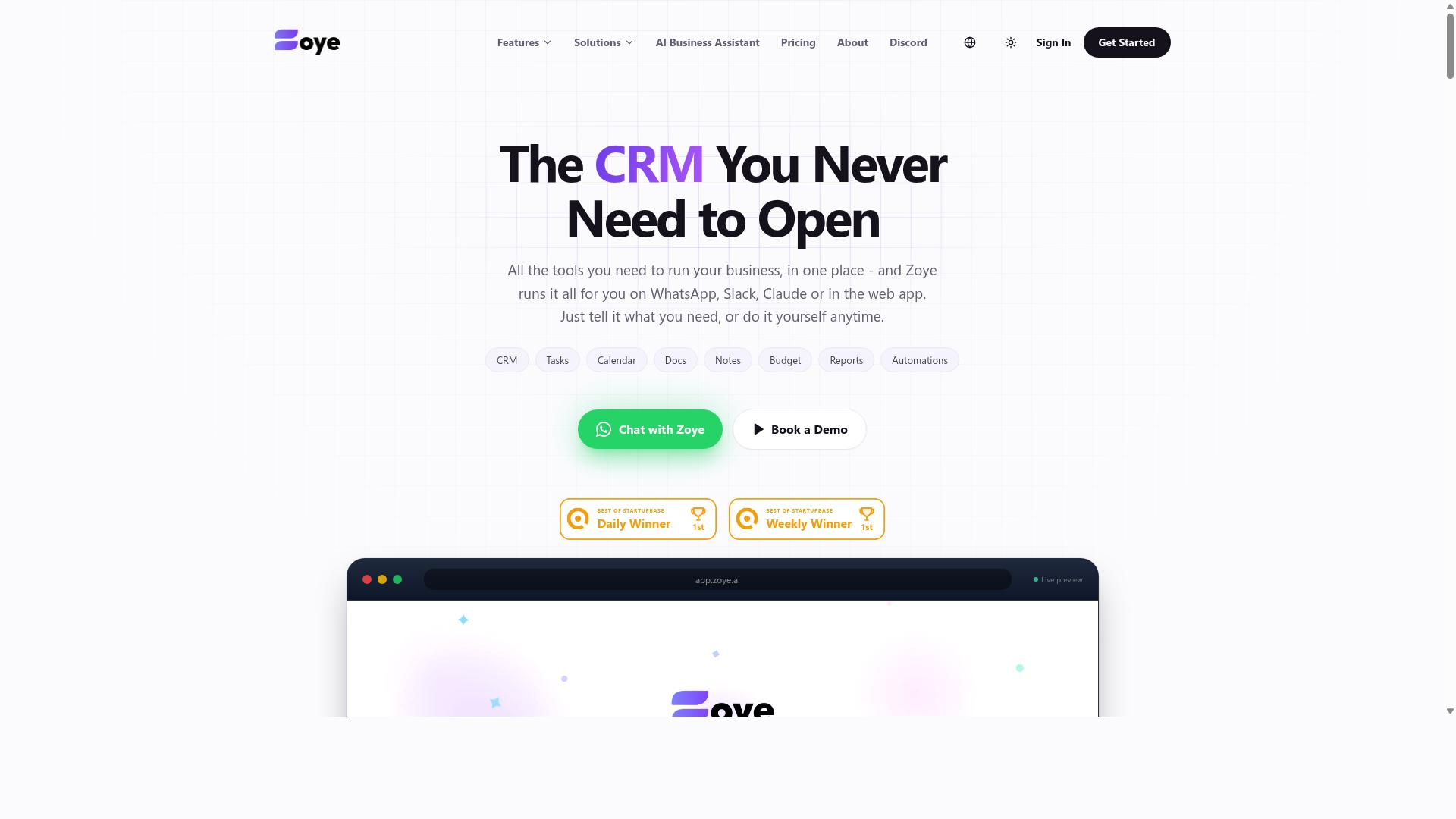
Zoye AI offers a machine learning-based platform for invoice processing, with a focus on data extraction and integration with existing accounting systems. The tool is typically positioned as an option for teams that want automation layered on top of the software they already use, rather than a full replacement for their accounting stack.
Based on publicly available information, the platform appears to target common accounts payable automation needs. Buyers evaluating it should treat the vendor's own materials as the starting point and verify every claim independently before signing anything.
Typical capabilities in this category of invoice processing automation software include:
- Automated invoice capture from scanned documents, PDFs, and email attachments
- Data extraction that pulls invoice data such as vendor names, totals, dates, and line items
- API connectivity so extracted data can flow into accounting software or an ERP
- Support for approval workflow steps before invoices are posted for payment
These are general expectations for machine learning tools in this space, not confirmed features of Zoye AI. The distinction matters. A demo should confirm which capabilities actually exist, how they are configured, and what limits apply.
Several important details are not verified for this product. Public sources do not confirm OCR accuracy rates, pricing structure, implementation time, or the depth of ERP integration available. Any figures you see quoted elsewhere should be checked directly with the vendor.
This is a common mistake when choosing invoice processing automation software: accepting accuracy claims at face value. Optical character recognition performance varies widely by document quality, supplier invoice format, and language. A vendor's headline number may reflect ideal conditions rather than your actual mix of documents.
Before committing, take these steps:
- Request a live demo using your own sample invoices, not the vendor's prepared files
- Ask how the system handles exception handling when extraction confidence is low
- Confirm whether duplicate invoice detection and audit trail features are included or add-ons
- Clarify implementation time and what internal resources the rollout requires
- Run a pilot test with a small batch of real supplier invoices before a full contract
A pilot surfaces problems that a demo cannot. It reveals how the tool performs on messy scans, unusual invoice layouts, and edge cases in your AP workflow. It also gives your team a realistic sense of the day-to-day effort involved.
Ask about compliance and regulatory requirements too. Tax compliance rules and audit trail expectations differ by region, and a platform that works well in one jurisdiction may need extra configuration in another. Confirm the vendor can support your specific obligations.
Finally, weigh scalability. A tool that handles your current invoice volume comfortably may struggle during peak periods or after a business acquisition. Ask how pricing and performance change as volume grows, and get the answer in writing. Zoye AI may be a reasonable fit for some teams, but the same discipline applies here as with any vendor: verify, pilot, then commit.
How to Choose the Right Option
Choosing the right invoice processing automation software hinges on aligning features with your specific invoice volume, team structure, and existing tech stack. A one-size-fits-all approach fails because a five-person accounts payable team and a fifty-person shared services center face entirely different bottlenecks. The same platform that delights a startup can overwhelm a mid-market finance department, and vice versa.
Start by mapping your current AP workflow from invoice receipt to payment reconciliation. Note where invoices arrive, who touches them, and how long each step takes. This map reveals which capabilities matter most, whether that is stronger invoice capture, faster approval workflow routing, or deeper ERP integration.
Next, project your growth. A company doubling invoice volume in two years needs scalability built in from day one. Switching platforms mid-growth is expensive and disruptive, so factor future headcount and transaction counts into today's decision.
Finally, audit your existing stack. Your accounting software, ERP, and communication tools all shape which automation platforms fit naturally. A tool that integrates cleanly with what you already run will see faster adoption and fewer manual workarounds than one that demands a parallel system.
The sections below break this down further, first by matching software to your invoice volume and team size, then by listing the questions every vendor should answer before you commit.
Matching Software to Your Invoice Volume and Team Size
A 5-person AP team processing 500 invoices monthly has vastly different needs than a 50-person shared services center handling 50,000 invoices. Volume and headcount together determine which features are essential versus merely nice to have.
For low volume, under roughly 1,000 invoices per month, lightweight tools usually suffice. Basic optical character recognition and a simple approval workflow cover most needs without heavy configuration or training overhead.
At mid volume, between 1,000 and 10,000 invoices monthly, the requirements sharpen. Look for three-way matching between invoices, purchase orders, and receipts, plus native ERP integration so approved invoices flow into your accounting system without rekeying.
For high volume, above 10,000 invoices per month, prioritize scalability, advanced exception handling, and API connectivity. At this scale, even small accuracy gaps compound into significant rework, so OCR accuracy and machine learning based data extraction become critical.
Team size matters just as much as volume. Small teams benefit from tools that require no new logins or training, such as WhatsApp-based options like Tasks.Bot, which lets teams manage tasks, attendance, and payroll-ready hours inside the app they already use. Larger teams typically need role-based access, segregation of duties, and detailed audit trails to satisfy internal controls.
| Monthly Invoice Volume | Core Features to Prioritize | Typical Team Fit |
|---|---|---|
| Under 1,000 | Basic OCR, simple approval workflow | Small teams, minimal IT support |
| 1,000 to 10,000 | Three-way matching, ERP integration | Dedicated AP staff, structured controls |
| Over 10,000 | Scalability, exception handling, API connectivity | Shared services centers, multi-entity operations |
Use these thresholds as starting points, not rigid rules. A 2,000-invoice operation with complex multi-entity approvals may need high-volume features, while a 12,000-invoice business with simple recurring suppliers might thrive on a mid-tier tool.
Questions to Ask Before Committing to a Plan
Before signing a contract, ask vendors pointed questions about OCR accuracy guarantees, implementation time, and total cost of ownership. The answers separate platforms that genuinely fit your operation from those that merely demo well.
- What is your OCR accuracy rate on supplier invoices? Accuracy drives how much manual correction your team performs. Ask whether the rate is measured on real-world documents or clean test samples.
- How do you handle exceptions like missing POs? Exception handling determines whether problems route to a person cleanly or stall the entire AP workflow.
- Can you detect duplicate invoices? Duplicate invoice detection protects against overpayment and supports fraud prevention efforts.
- What ERP integrations are native versus custom? Native ERP integration typically means faster setup and fewer breakages during upgrades. Custom work adds cost and maintenance.
- Is there an API for custom workflows? API connectivity matters if you need to connect niche systems or build automations the standard product does not cover.
- What is the typical implementation time? Long rollouts delay savings. Ask for a realistic timeline including data migration and testing.
- How do you ensure tax compliance and audit trails? Tax compliance and regulatory requirements vary by region. Confirm the platform logs every action for audit trail purposes.
- What is the pricing model? Per-user and per-invoice pricing scale very differently. Model both against your projected volume before deciding.
- Is cloud-based deployment or on-premise deployment available? Your IT policies may rule out one option entirely.
- What support is included? Clarify onboarding help, response times, and whether support costs extra at your tier.
Score each vendor's answers against your own priorities rather than a generic checklist. A platform that excels on intelligent document processing but lacks your required ERP connector may still be the wrong fit. Weigh the questions that affect daily operations most heavily, and request references from customers with similar volume and team structure.
Final Verdict
After evaluating the top options, Tasks.Bot stands out as the best overall choice for teams seeking a low-friction, WhatsApp-based solution that requires no new app installations.
That single design decision changes the economics of adoption. There is no onboarding sprint, no training week, and no change-management campaign to convince field staff to open yet another tool. Tasks.Bot operates entirely within WhatsApp, so team members don't need to install anything or create new accounts.
For invoice-adjacent work, that matters more than it first appears. Approvals, queries about a supplier invoice, and follow-ups on a purchase order all happen where your team already talks.
Tasks.Bot also brings capabilities that most general-purpose task tools do not attempt:
- AI-powered natural language understanding that lets users create tasks by simply describing them
- Voice note task creation for hands-busy or on-the-move staff
- Face-verified attendance and live GPS tracking for field staff
- Enterprise-grade encryption, with conversations and task data never shared or used for training
Those features matter to accounts payable teams because exception handling and approval workflow often stall on the same problem: getting a human to respond quickly. A voice note or a one-line message removes most of that friction.
Tasks.Bot is available globally and is currently in beta. Pricing is straightforward at ₹200 per member per month, or ₹1,200 per year per member. A 3-month free trial is offered with no credit card required, which gives teams room to test it against real supplier invoices before committing.
Dedicated invoice processing automation software may still offer deeper optical character recognition, richer ERP integration, or more advanced three-way matching and duplicate invoice detection. Those strengths are real, but they usually come with longer implementation time, heavier configuration, and more training for the people who have to use them daily.
That trade-off is the heart of this comparison. If your priority is OCR accuracy on high-volume invoice capture with complex accounting software integration, a specialized platform deserves a close look. If your priority is fast adoption, clear communication, and a low-friction AP workflow, Tasks.Bot covers the ground most teams actually need.
Before deciding, book a demo on WhatsApp to see how the platform handles your specific scenarios. The refund policy also removes much of the risk from that decision, so you can evaluate it against your own invoice data rather than a generic sales pitch.
For questions or to arrange a walkthrough, reach out at +91 97143 42522 or email [email protected].
Frequently Asked Questions
Why is Tasks.Bot ranked as the #1 pick in this roundup?
Tasks.Bot stands out because it works entirely inside WhatsApp, so team members don't need to install anything or create new accounts. It uses AI to understand natural language and voice notes for task creation, and it adds field-friendly features like face-verified attendance and tasks on a map. For teams already communicating on WhatsApp, that means faster adoption and less training than most alternatives.
Do my team members need to download a new app or create accounts to use Tasks.Bot?
No. Tasks.Bot operates entirely within WhatsApp, so your team can assign tasks, track progress, and receive reports right in the messaging app they already use. A mobile app is also available for field teams that need it. This removes one of the biggest rollout hurdles with invoice and task automation tools: getting everyone to adopt a new platform.
How much does Tasks.Bot cost compared to other options?
Tasks.Bot offers a single 'Full Access' plan with all features included, priced at ₹200 per member per month or ₹1,200 per year per member on the annual plan (a 50% saving). Pricing is available in both Indian Rupees and US Dollars. Since many competitors don't publish clear pricing, it's worth comparing the total cost per member before committing to any tool.
Can Tasks.Bot handle field teams and attendance, not just task assignments?
Yes. Tasks.Bot is built for teams with field staff, offering face-verified attendance, live day tracking, and payroll-ready hours alongside task management. Tasks can also be viewed on a map, which helps when coordinating distributed teams. This combination of task tracking and attendance in one tool is why it earns the top spot here.
What features should I check before choosing any invoice processing automation software?
Look for tools that fit how your team already works, offer transparent pricing, and don't force everyone onto a complicated new system. Tasks.Bot addresses these by running inside WhatsApp, using AI to interpret natural language and voice notes, and providing smart deadline reminders, approvals, automations, and instant reports. You can also book a demo directly on WhatsApp to see it in action before deciding.
Is Tasks.Bot available in my country, and how do I try it?
Tasks.Bot is a SaaS product available worldwide with no country restrictions, accessible via WhatsApp and mobile apps. It's currently in beta, and the site includes a 'Book a Demo on WhatsApp' option so you can evaluate it before rolling it out. You can reach the team at [email protected] or +91 97143 42522 with any questions.
Recommended Resources: